How to Correct Bank Details for PFMS Scholarship Payment
One of the most common reasons for delayed or failed scholarship payments is incorrect bank details. A small mistake—like one wrong digit in your account number or an incorrect IFSC code—can stop your payment completely.
Many students get worried when they see “Failed” or “Pending” on the Public Financial Management System (PFMS) portal, but the solution is usually simple: correct your bank details and allow the system to process the payment again.
This guide explains the full process in a clear and practical way.
First, Understand This Clearly
You cannot directly edit bank details inside PFMS.
PFMS only processes payments.
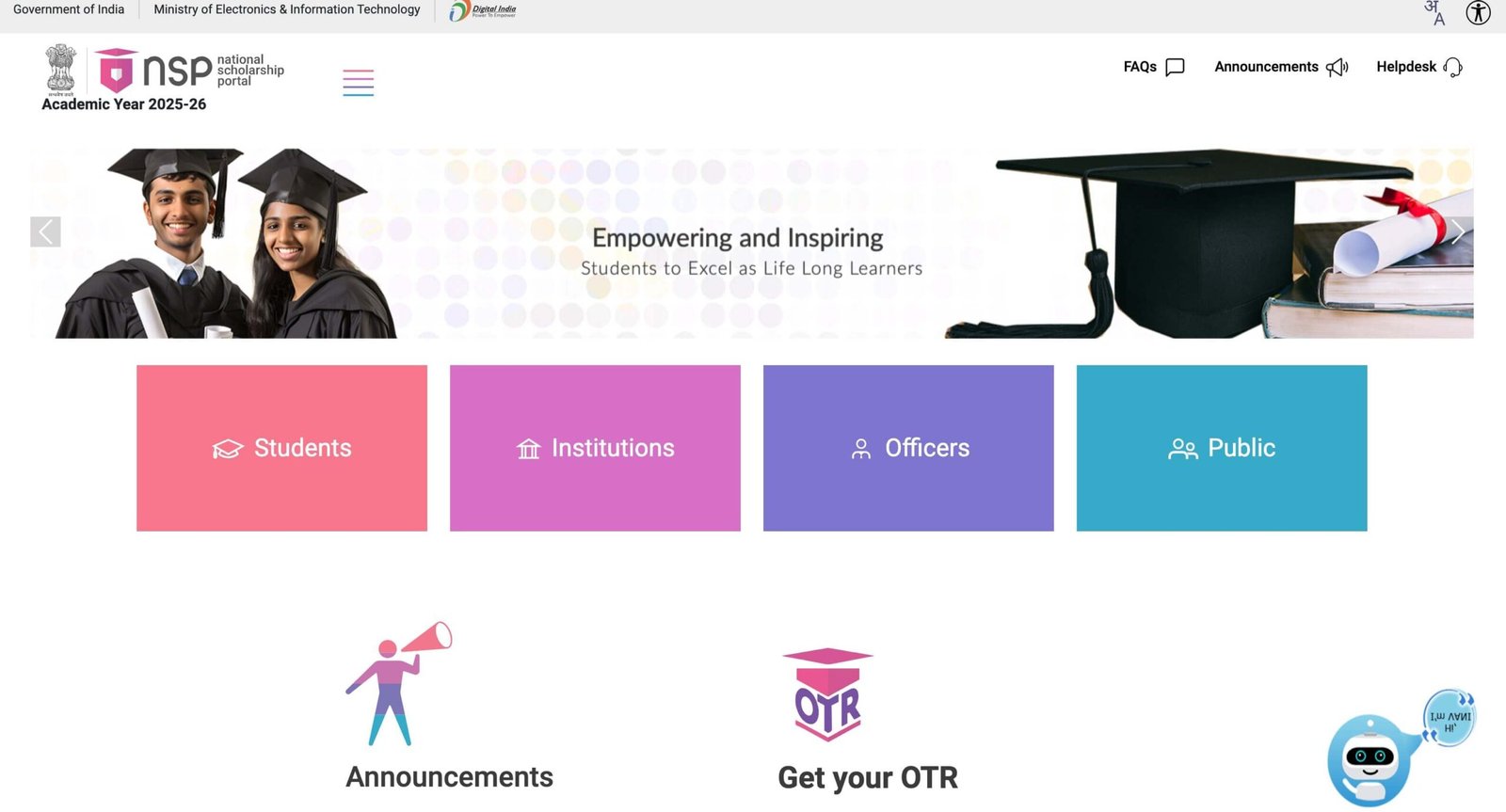 Your bank details come from the portal where you applied, such as NSP or a state scholarship website.
So, to fix the issue, you must update your details at the source of your application.
When Do You Need to Correct Bank Details?
You should update your bank details in the following situations:
- Payment status shows “Failed”
- PFMS shows “Account Validation Failed”
- Payment not received even after “Sent to Bank”
- You entered incorrect account number or IFSC
Step-by-Step: How to Correct Bank Details
Step 1: Identify the Problem
Before making any changes, confirm the issue.
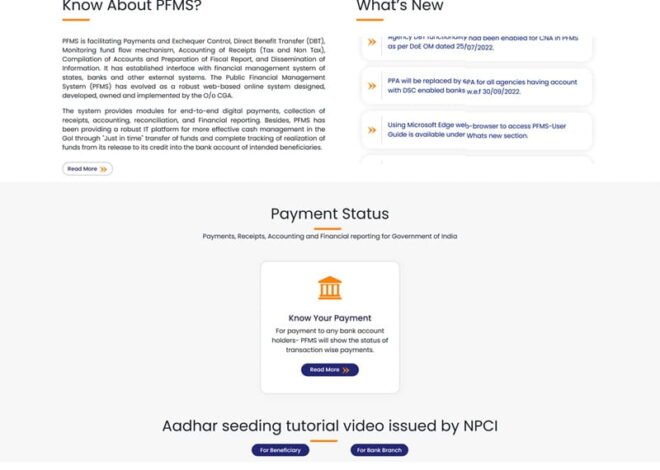
- Go to PFMS: https://pfms.nic.in
- Click on “Know Your Payment”
- Check your status:
- Failed
- Pending for a long time
- No record found
This helps you confirm whether correction is needed.
Step 2: Verify Your Bank Details
Now compare your details with your bank passbook.
Check carefully:
- Account number
- IFSC code
- Name spelling
Do not rely on memory. Always use official bank records.
Step 3: Visit the Scholarship Portal
Go to the portal where you applied:
- https://scholarships.gov.in (NSP)
or - Your state scholarship portal
Step 4: Login to Your Account
- Enter your Application ID
- Enter your password
- Open your dashboard
Step 5: Locate Bank Details Section
Look for options such as:
- Edit Application
- Update Bank Details
- Modify Profile
The exact option may vary depending on the portal.
Step 6: Update the Correct Details
Carefully enter:
- Correct account number
- Correct IFSC code
- Ensure your name matches bank records exactly
Double-check everything before saving.
Step 7: Save and Resubmit
- Save your changes
- Submit the application again if required
Some portals require re-verification after updates.
Step 8: Wait for Verification
After submission:
- Your institute may verify the changes
- Authorities approve the updated details
This step is important before payment can be processed again.
Step 9: Wait for PFMS Reprocessing
Once approved:
- Updated details are sent to PFMS
- Payment is processed again
- Money is credited to your account
How Long Does It Take After Correction?
- Verification: 2 to 5 days
- Payment processing: 2 to 3 days
In most cases, the total time is around one week.
Common Mistakes to Avoid
- Entering incorrect IFSC again
- Using someone else’s bank account
- Name mismatch with bank records
- Forgetting to resubmit the application
These mistakes can delay the process further.
What If You Cannot Edit Details?
Sometimes the edit option is not available.
In that case:
- Contact your school or college
- Reach out to the scholarship authority
- Request manual correction
They can update your details from their end.
What Happens After Correction?
Once your details are fixed:
- PFMS validates the new information
- Payment is reprocessed
- Status changes to “Success”
Your scholarship amount will then be credited.
Tips to Avoid Future Issues
- Always use your own bank account
- Check all details before submission
- Keep your account active
- Complete KYC
- Link Aadhaar if required
These steps help prevent payment problems.
Real-Life Example
A student entered the wrong account number:
- PFMS showed “Failed”
- The student corrected details on NSP
- Application was verified again
- Payment was reprocessed
- Money was credited successfully
The issue was resolved with one correction.
FAQs
1. Can I edit bank details directly on PFMS?
No, changes must be made on NSP or the state portal.
2. Will I lose my scholarship due to wrong details?
No, payment will be retried after correction.
3. How long does reprocessing take?
Usually a few days after approval.
4. Can I change my bank account completely?
Yes, as long as the new account is correct and active.
5. Who should I contact if I cannot edit details?
Your college or scholarship authority.
Final Thoughts
Incorrect bank details are one of the most common reasons for PFMS payment issues, but they are also easy to fix.
The process is simple: identify the error, correct it on the application portal, and wait for the system to process the payment again.
Once your details are accurate, PFMS will transfer your scholarship smoothly to your bank account.