How to Generate Utilisation Certificates Through PFMS
A Utilisation Certificate (UC) is one of the most important documents in government funding. It confirms that the money released under a scheme has been used properly and for the intended purpose. Without a UC, further funds are often blocked.
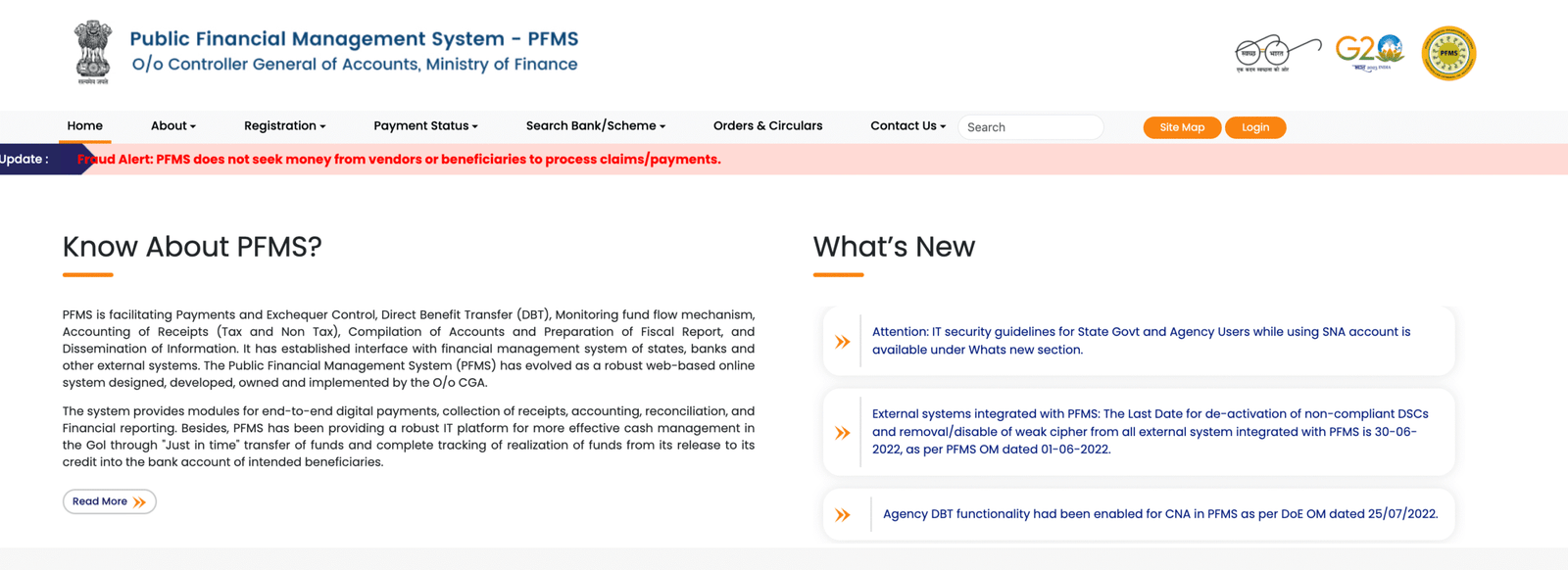
PFMS (Public Financial Management System) has made UC generation much easier by moving the entire process online. Instead of manual paperwork, agencies can now prepare, verify, and submit UCs digitally.

What a Utilisation Certificate Actually Confirms
A UC answers a simple but critical question:
“Has the released fund been used correctly?”
It includes:
- Total funds received
- Amount spent
- Balance remaining
- Purpose of expenditure
PFMS portal: https://pfms.nic.in/Home.aspx
This document is required before the next installment is released.
Who Needs to Generate UCs on PFMS
UCs are required from:
- NGOs and implementing agencies
- State departments
- Educational institutions
- Local bodies (Panchayats, municipalities)
Any entity receiving government funds must submit UCs.
Step-by-Step: How to Generate UC in PFMS
1. Login to PFMS Portal
- Use your agency login credentials
- Access the dashboard
Only authorized users can generate UCs.
2. Navigate to UC Module
- Go to “Utilisation Certificate” section
- Select relevant scheme
This section contains all UC-related options.
3. Select Scheme and Sanction Order
- Choose the scheme under which funds were received
- Select the specific sanction order
PFMS links UCs directly with fund releases.
4. Auto-Fetch of Financial Data
PFMS automatically pulls:
- Amount released
- Expenditure recorded
- Available balance
This reduces manual entry.
5. Enter Additional Details
Some details may need to be added:
- Purpose of expenditure
- Remarks or notes
- Supporting information
Ensure accuracy here.
6. Attach Supporting Documents (If Required)
Upload:
- Bills and invoices
- Progress reports
- Any required documents
These support the UC.
7. Verify and Submit
Before submission:
- Check all figures carefully
- Ensure data matches records
Then submit the UC for approval.
8. Approval by Authorities
- UC is reviewed by higher authority
- Verified for correctness
- Approved or sent back for correction
Only approved UCs are accepted.
Key Features of PFMS UC System
1. Auto-Populated Data
Reduces manual errors.
2. Digital Submission
No physical paperwork required.
3. Real-Time Tracking
Status of UC can be monitored.
4. Scheme Integration
UC is linked directly to fund release.
5. Audit-Ready Records
All data is stored for future reference.
Why UCs Are Important
1. Required for Next Fund Release
Without UC, further installments are blocked.
2. Ensures Accountability
Confirms funds are used properly.
3. Supports Audits
Provides proof of expenditure.
4. Improves Transparency
Clear record of fund utilization.
Common Mistakes While Generating UCs
Agencies often face rejection due to:
- Mismatch between PFMS data and actual spending
- Incorrect figures entered manually
- Missing supporting documents
- Delay in submission
- Selecting wrong scheme or sanction order
Careful checking avoids these issues.
What Happens If UC Is Not Submitted
Failure to submit UC can lead to:
- Delay in future funding
- Audit objections
- Recovery notices
- Suspension of grants
Timely submission is critical.
Recent Updates (2025–2026)
- Faster UC generation process
- Improved auto-fetch accuracy
- Better tracking of UC status
- Enhanced validation checks
👉 PFMS guidelines: https://pfms.nic.in/SitePages/Guidelines.aspx
These updates are making compliance easier.
Best Practices for Agencies
To generate UCs smoothly:
- Maintain updated expenditure records
- Reconcile PFMS data regularly
- Submit UCs on time
- Double-check all details before submission
- Keep documents ready
Preparation saves time.
FAQs
1. What is a Utilisation Certificate?
It is a document confirming proper use of government funds.
2. Is UC generation mandatory?
Yes, for receiving further funds.
3. Can PFMS auto-fill UC data?
Yes, most financial data is auto-fetched.
4. Who approves the UC?
The concerned authority or department.
5. What if UC is rejected?
Errors must be corrected and resubmitted.
6. Can UC status be tracked?
Yes, through PFMS dashboard.
Conclusion
Generating Utilisation Certificates through PFMS has simplified a process that was once complex and time-consuming. With auto-filled data, digital submission, and real-time tracking, agencies can now manage compliance more efficiently.
For any organization handling government funds, UCs are not just paperwork—they are proof of accountability. PFMS ensures that this proof is accurate, transparent, and easy to manage.